TimerBox Overlay Set
A downloadable tool
A free countdown timer for your stream, in three themes. It runs as a browser source in OBS. It is a plain web page, so it also runs in TikTok LIVE Studio, Streamlabs, XSplit, or any browser. It counts down, counts up, or counts down to a clock time, with your message under the digits. Nothing to install, no TimerBox account, no watermark.
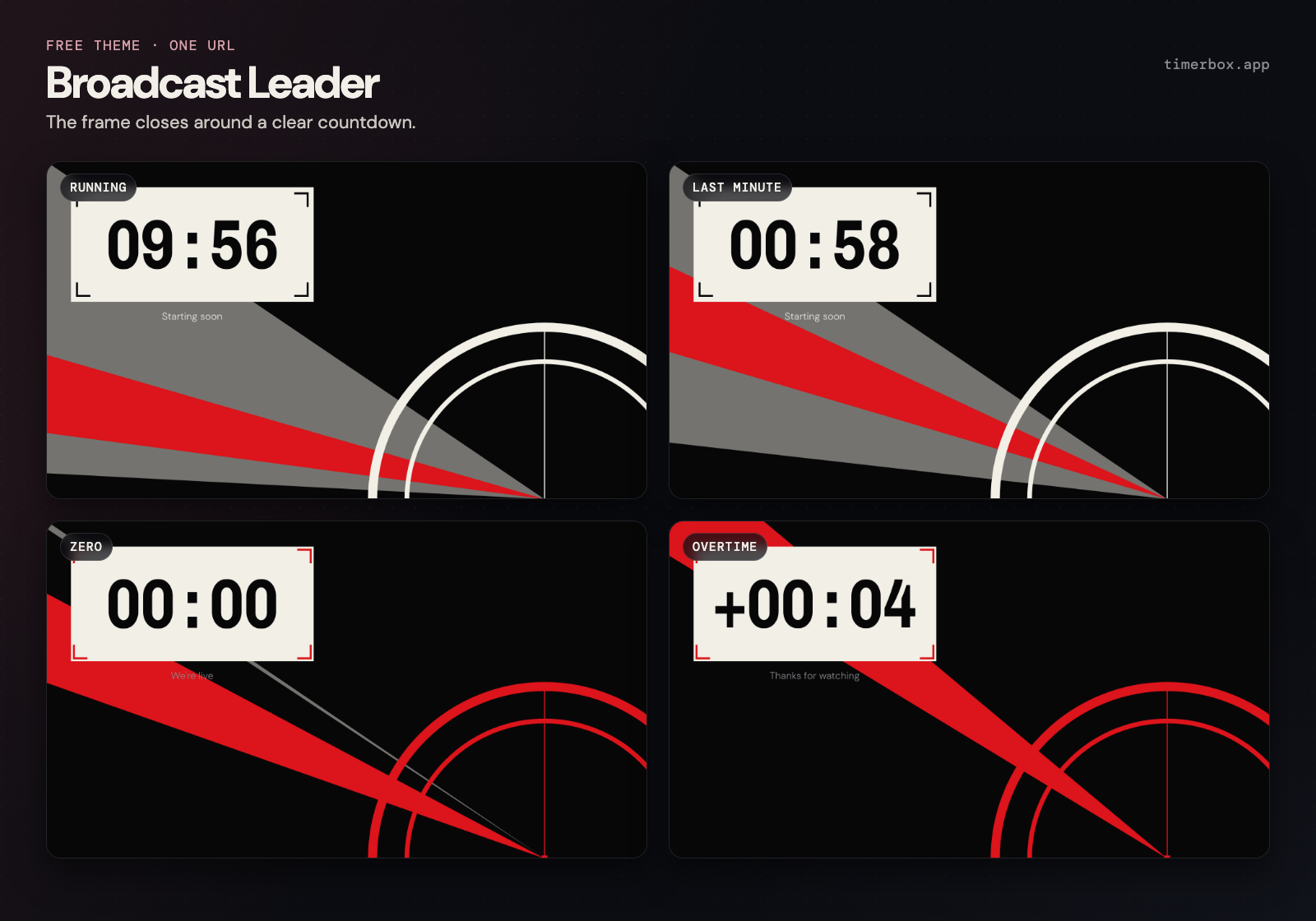
Sundial, Classic, and Broadcast Leader. Digits with a shadow, a ring, a bar, and a closing frame. A live page per theme with every mode ready to copy, and six OBS scenes ready to import. Sundial and Classic sit over your video; Broadcast Leader fills the frame.
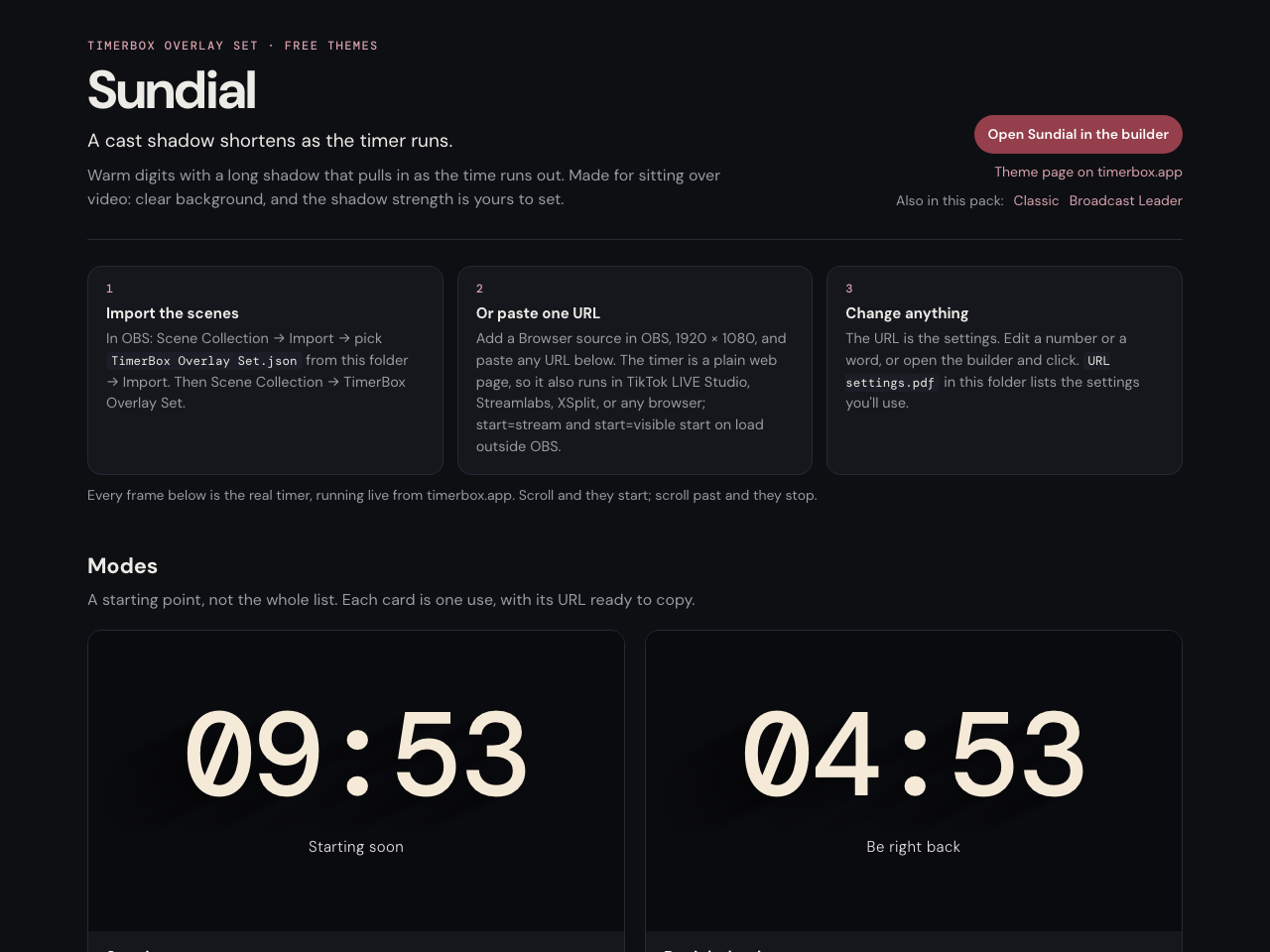
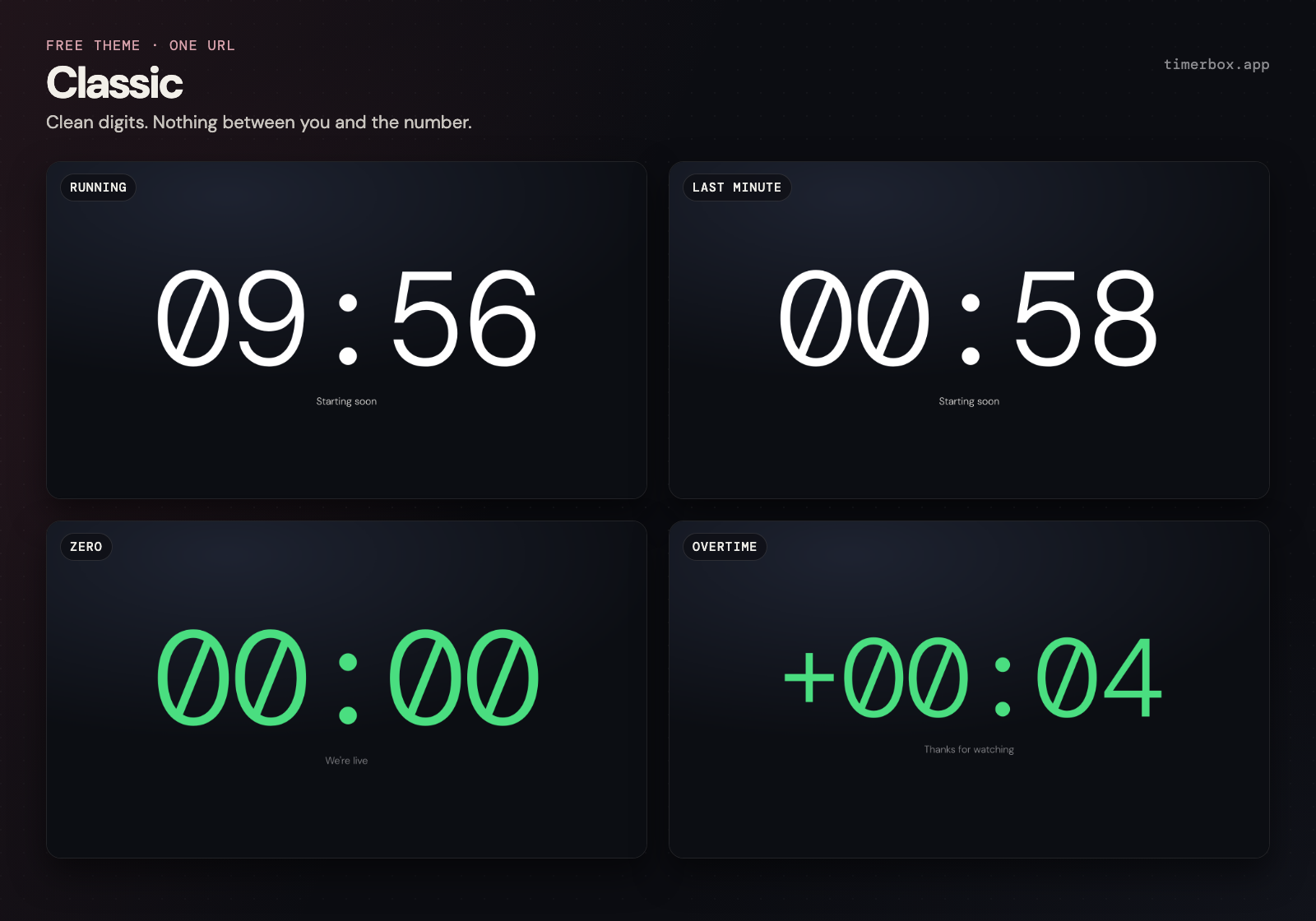
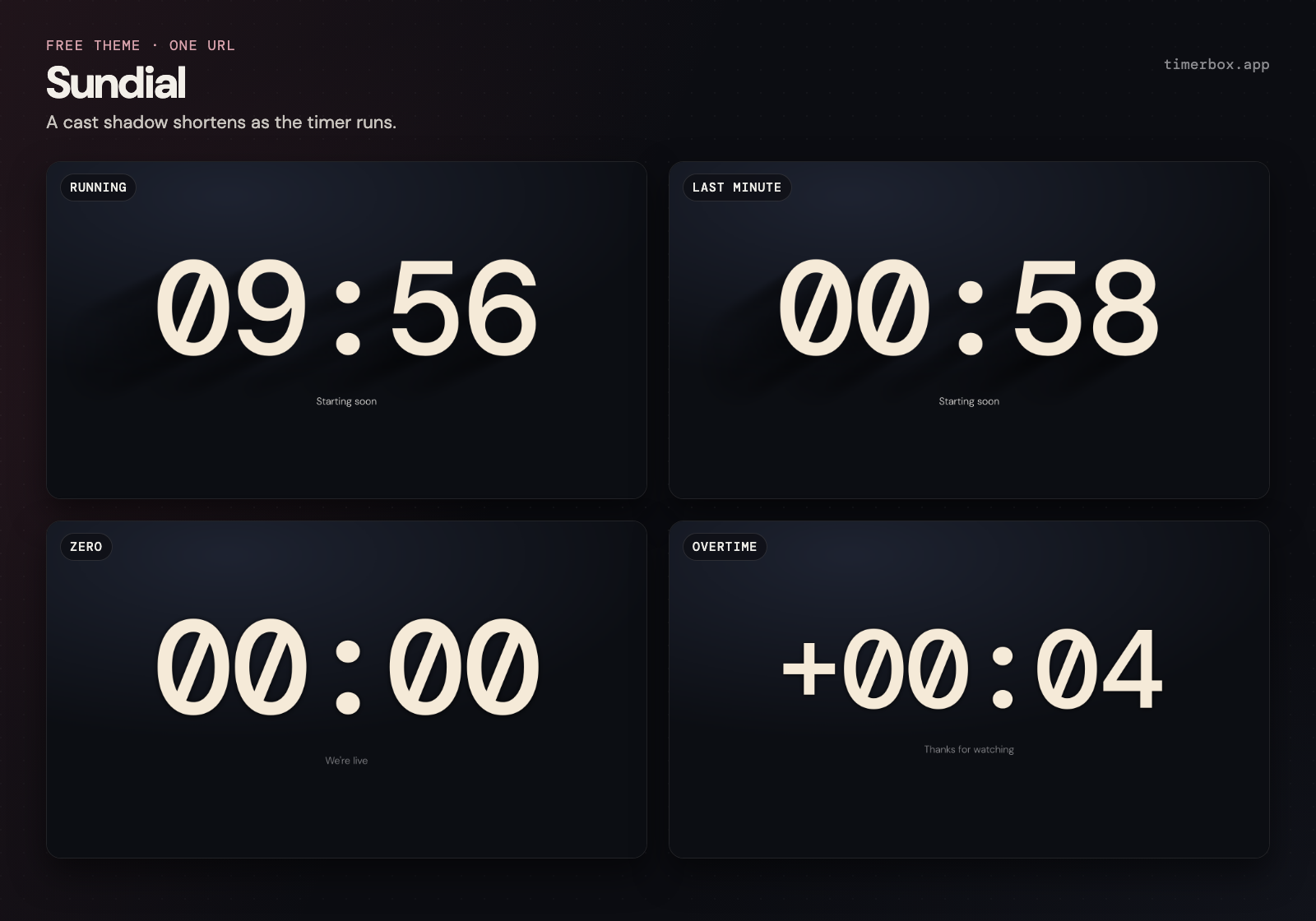
Open a theme's page and every mode runs as you scroll to it: starting soon, be right back, break, ending with overtime, a countdown to a clock time, stream uptime, and a focus timer, plus the last minute, zero, and overtime, so you can see them without waiting. Each one has its URL and a copy button. Paste it into a browser source, or import the scene collection and the six scenes are there.
The URL is the settings. Change a number or a word, or open the point-and-click editor at timerbox.app/stream/ and copy what it gives you. The PDF in the pack lists the settings you'll use, on two pages.
The three themes
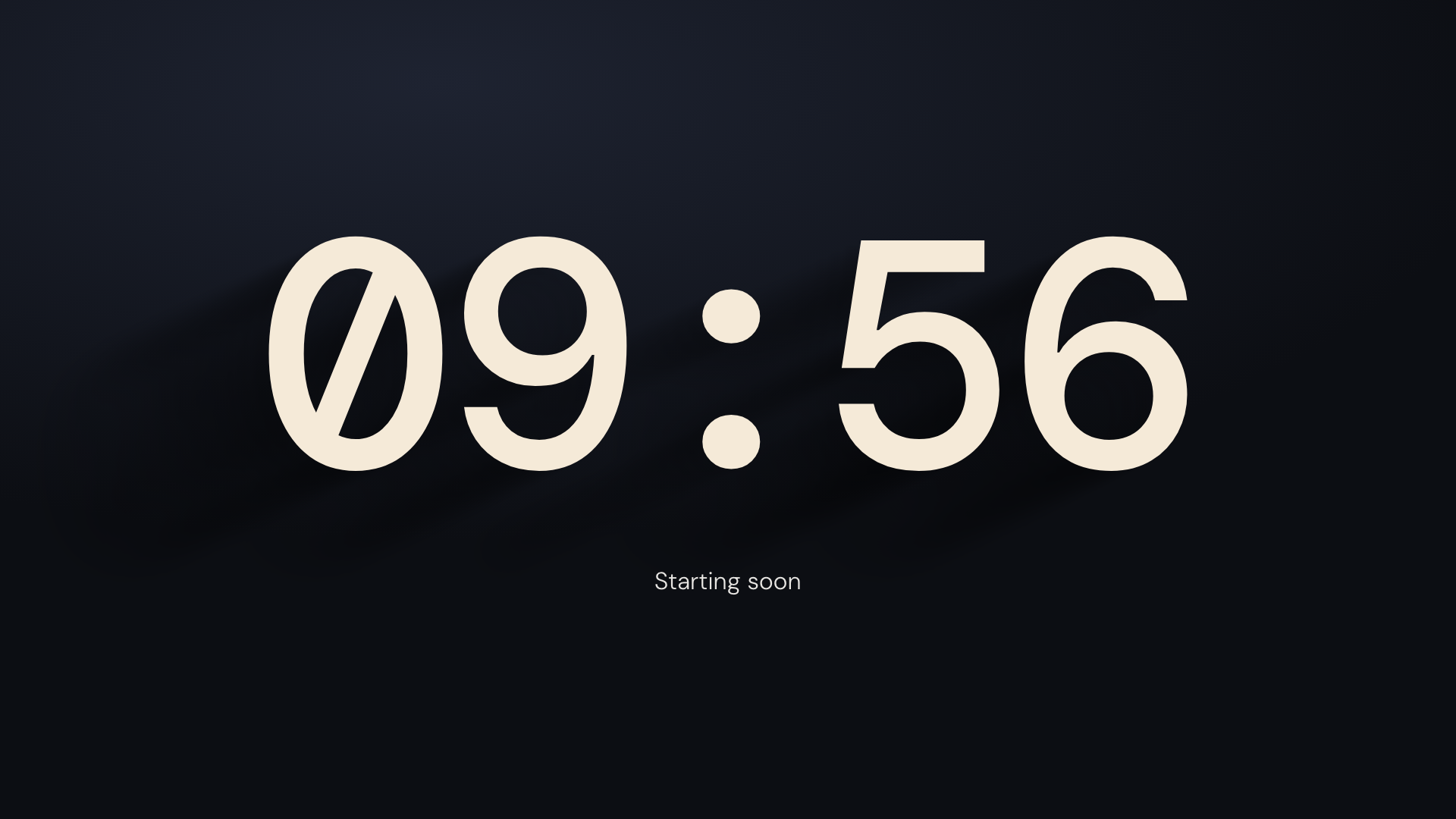
- Sundial: A cast shadow shortens as the timer runs. timerbox.app/themes/sundial/
- Classic: Clean digits. Nothing between you and the number. timerbox.app/themes/classic/
- Broadcast Leader: The frame closes around a clear countdown. timerbox.app/themes/broadcast-leader/
Inside the download
- One live page per theme (open it in any browser; the timers run from timerbox.app)
- The OBS scene collection (.json), six scenes
- URL settings.pdf, the two-page reference
How it works
The timers are drawn live from timerbox.app inside the browser source. For a plain countdown the number is on screen before the rest of the page loads. A countdown to a clock time keeps its place through a reload or a scene switch.
These three themes are free. More themes, palettes, and the full URL reference: timerbox.app/themes/ and timerbox.app/embed-docs/
Free to use in your streams and videos, personal or commercial. Don't resell the pack files.
Download
Install instructions
Unzip the pack. Open a theme's .html page in any browser: every mode runs as you scroll to it, each with a copy button for its URL. The three setup steps are at the top of each page. In OBS, choose Scene Collection, then Import, and pick the .json for six ready scenes. URL settings.pdf lists the settings.
Leave a comment
Log in with itch.io to leave a comment.